Choosing a Clicker Type: Blue, Brown or Red
Blue, Brown and Red change how a LolliLabz Clicker feels and sounds. There is no single best choice. Use this comparison to find the type that matches the feedback and sound you prefer.
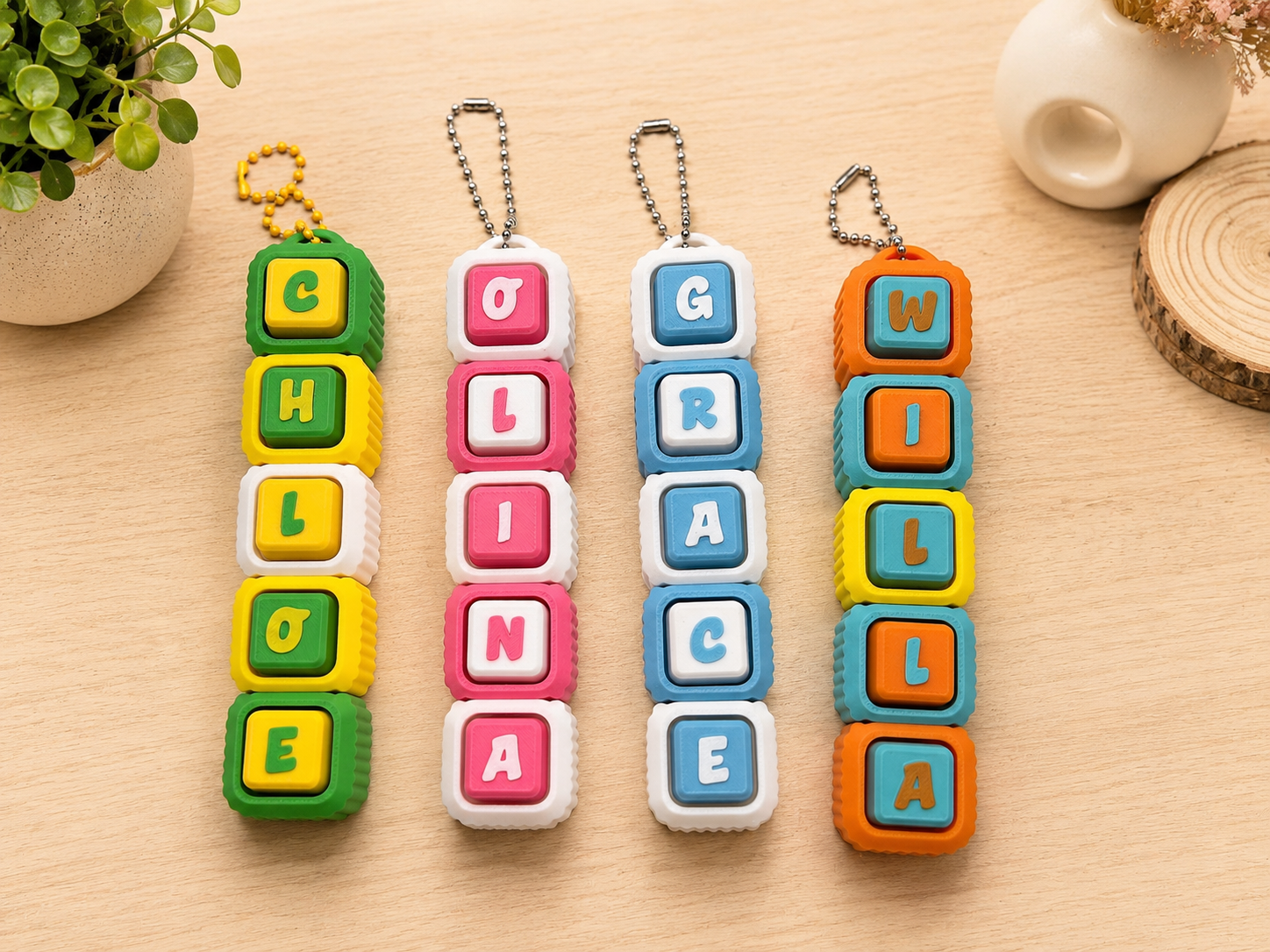
Blue
Clicky. The strongest click with crisp feedback.
Best for customers who enjoy a clear, noticeable click and stronger sound.
Brown
Tactile and softer. A gentler bump with a softer sound.
A balanced option for customers who want feedback without the strongest click.
Red
Smooth and quieter. The quietest sound of these three options.
Best for customers who prefer smoother movement and the quietest available option.
Sound samples are a guide. The finished sound may vary slightly depending on the Clicker design and the device used to play the recording.
Which one should I choose?
Think about which part of the experience matters most to you: a more noticeable click, balanced feedback or smoother and quieter movement.
- Choose Blue when you want the clearest click and strongest sound of these three options.
- Choose Brown when you want a gentler tactile bump and softer sound.
- Choose Red when you want smooth movement and the quietest available option.
If you are still deciding, play each sample at the same device volume and compare them one after another. The recordings are a useful guide, but the finished sound can vary with the Clicker design and your playback device.
Choose your Clicker
Create a name and choose its Clicker Type in the Custom Name Clicker builder, or browse the current Pocket Clickers collection and choose a type on the individual product page.