How to Choose the Best Photo for a Lithophane
A favourite photo can make a Glow Frame or Glow Mini feel personal. The best starting point is not a fancy camera. It is a picture where the person, pet or moment you care about is easy to see. A lithophane uses light and shade from the photo, so a clear image gives us more useful detail to work with.
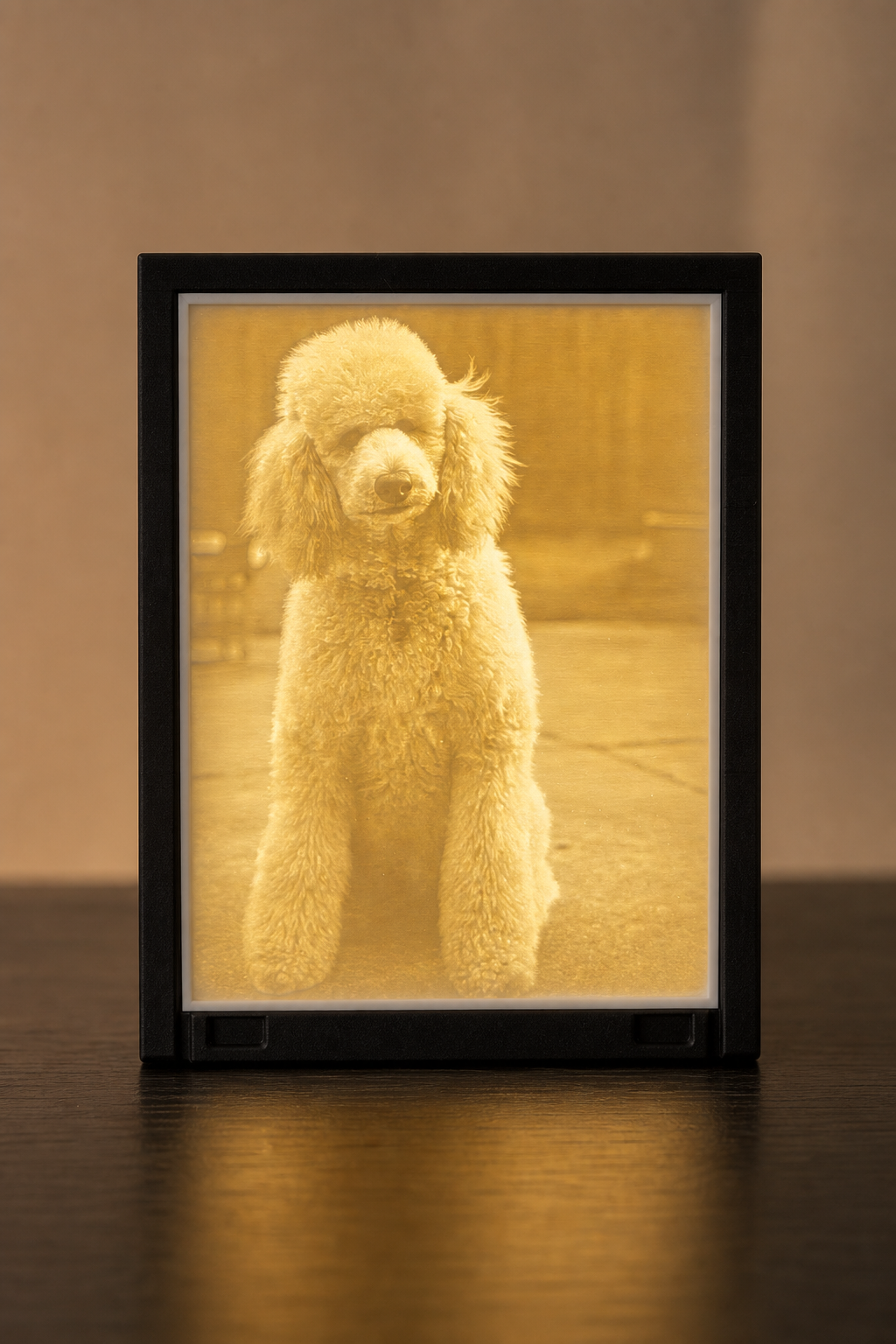
Start with a clear, well-lit photo
Choose the clearest version you have. A photo taken in good natural light or a bright indoor space will usually show more of the face, fur, clothing and background. Photos that are very dark, heavily filtered or out of focus can lose important detail when converted into a lithophane.
Try opening the image at full size before you upload it. If faces and small features look soft or blocky on your phone, a larger original from your camera roll may be a better choice.
Keep the main person or pet easy to see
A photo with one clear subject is often the simplest option. Portraits work well because the face can take up a useful part of the image. A pet sitting still, a child looking toward the camera or a relaxed family photo can all be good starting points.
For landscape images, look for a photo where the important subject is still large enough to be recognised. If the main person or pet is a tiny part of a wide scene, some detail may be less obvious in the finished light.
Leave a little room around important details
Avoid images where eyes, ears, hands or the top of a head sit right against the edge. A little breathing room gives the photo a more comfortable crop. It is also worth checking that a subject is not hidden by a dark shadow, a strong window reflection or a busy object in the foreground.
Portrait, landscape and group photos
Portrait photos are a natural fit when the focus is one person or pet. Landscape photos can work well for a pair, a family moment or a wider scene, as long as the people remain visible. Group photos can be lovely, but the faces need enough space. A small group where everyone is reasonably close together is usually easier to read than a large crowd in the distance.
What about screenshots and social-media photos?
A screenshot can be suitable if it is clear and not covered by app buttons, captions or notifications. Downloaded social-media images can also work, but they are sometimes smaller or more compressed than the original. When possible, upload the original photo from the device that took it.
Quick photo checklist
- Choose the clearest version of the photo.
- Make sure the main person or pet is well lit and easy to see.
- Avoid blur, very dark images and heavy filters.
- Keep important details away from the edge.
- For groups, check that faces are not too small.
- Use the original image instead of a compressed copy where possible.
If you are not sure
Pick the image that matters most to you, then get in touch if you would like help choosing between a couple of options. We cannot promise every photo will give the same result, but a quick question before ordering can help you choose with more confidence.
Ready to create a photo light?
Choose a Glow Frame from your photo for a larger display, or explore the compact Glow Mini photo light. You can also read the LolliLabz FAQ or contact LolliLabz with a question about your image.